
Rowtern
The AI scraper that moves at the speed of thought.
AI Web Scraper. Snap any page into a clean spreadsheet.

Three steps to a clean sheet
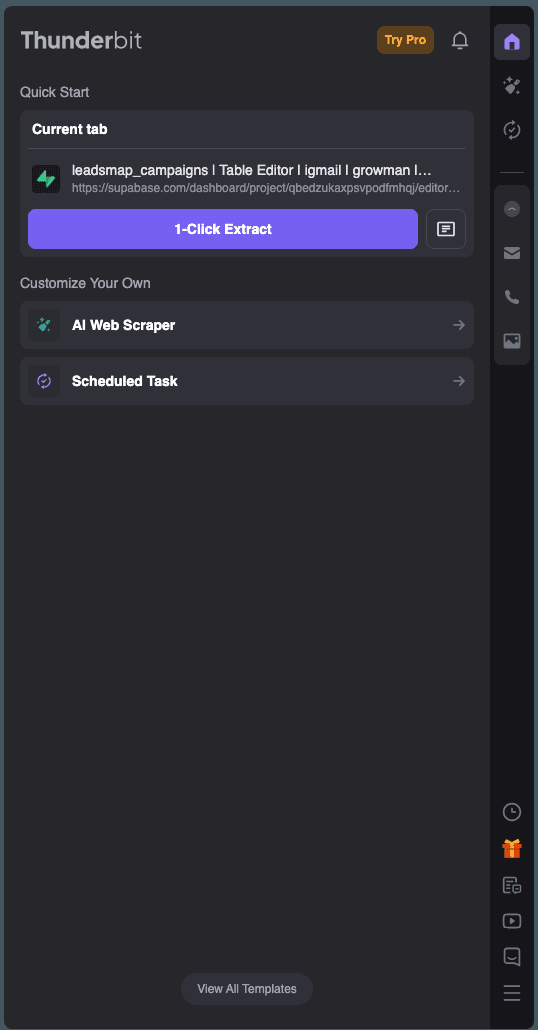
Open any page
Browse the list, table, or catalog you already use — including logged-in tabs.
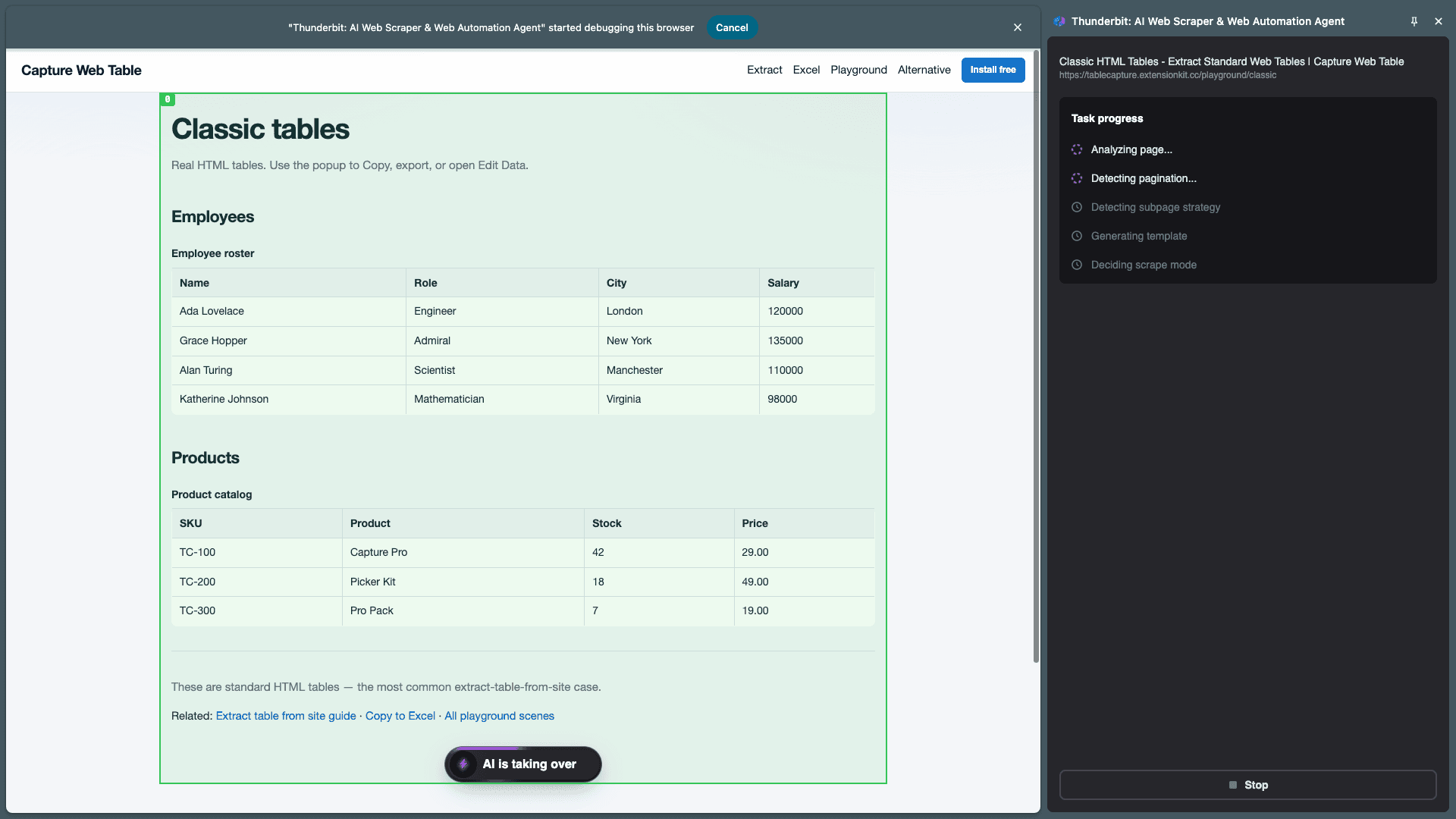
Snap with AI
1-Click or Wizard selects repeating rows and fields in seconds.
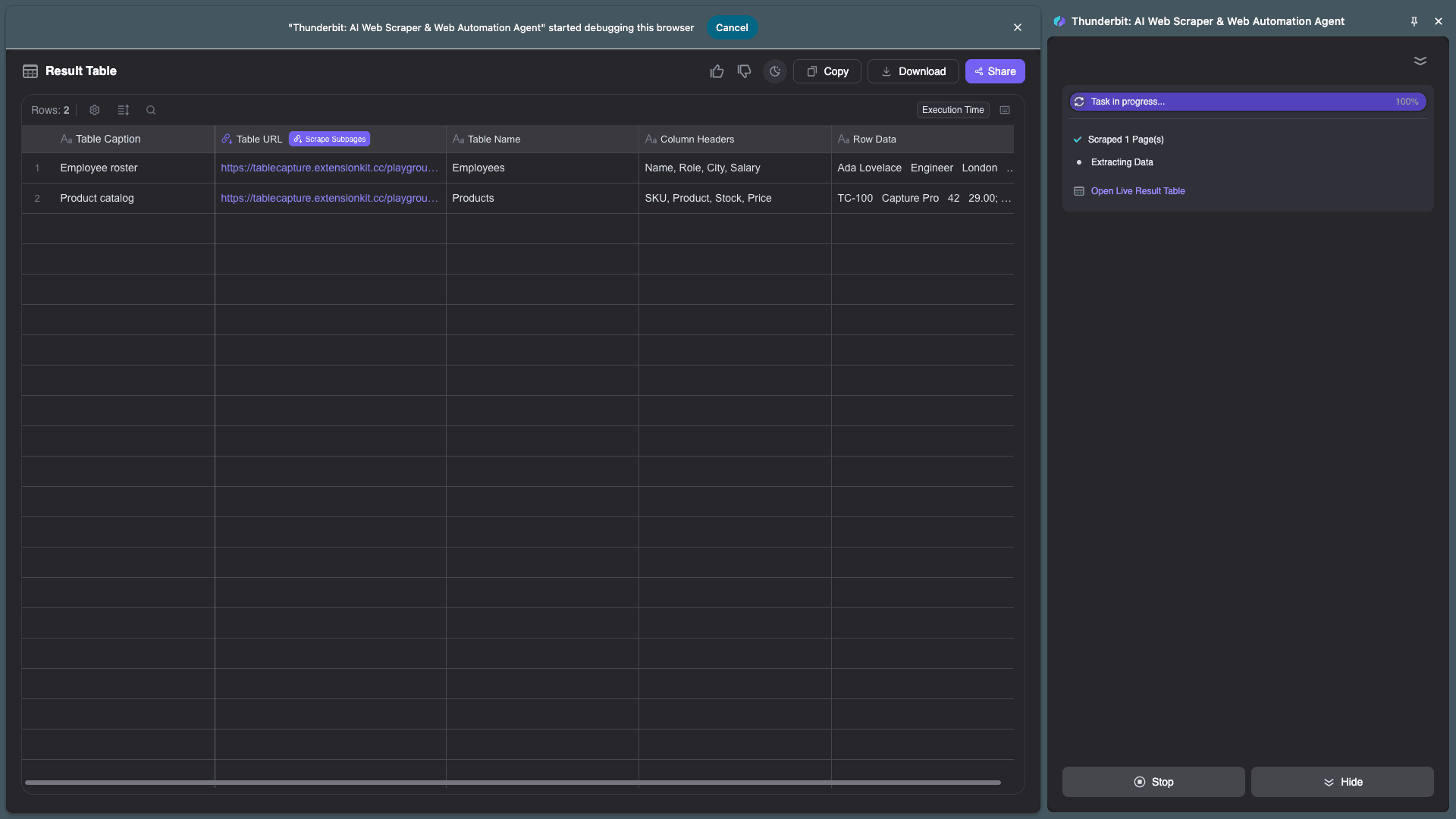
Spreadsheet ready
Review columns and export to Excel — clean data, no code.
Practice free in Playground
Sample tables, pagination, products, and contacts — scraping here does not use quota.
FAQ
What is Rowtern?
Rowtern is an AI web scraper Chrome extension that snaps any page into a clean spreadsheet. Point it at lists, tables, or product grids and export structured data without writing code.
Is the Playground free?
Yes. Scraping on www.rowtern.com/playground does not use your plan quota. Install the extension, open any scene, and practice 1-Click, Wizard, and extractors for free.
What kinds of pages can I scrape?
HTML tables (including rowspan), DIV/card lists, paginated catalogs (Next, Load more, Infinite scroll), product list + detail pages, contact directories, and news articles. Email, phone, and image extractors are also available in the extension.
Do I need coding skills?
No. Use 1-Click AI selection for common layouts, or the Wizard to pick fields visually. Export to Excel or copy into your spreadsheet.
How is Rowtern different from Thunderbit or Listly?
Rowtern is a lightweight Chrome extension focused on snap-to-spreadsheet speed: tables, pagination modes we actually ship, and detail-page deep scrape. We do not pretend to offer proxy clusters or unrelated tool walls. See /vs/thunderbit and /vs/listly for honest comparisons.
What about login walls and iframes?
If you are logged in in that browser tab, Rowtern can usually scrape the same content you see. Iframes and strict auth walls are known limits — try /playground/login-wall and /playground/iframe to see the expected behavior.